
Written by our lead diver at Scuba Space, a PADI Master Scuba Diver and Law Enforcement Public Safety Diver with 12+ years of professional underwater operations experience.
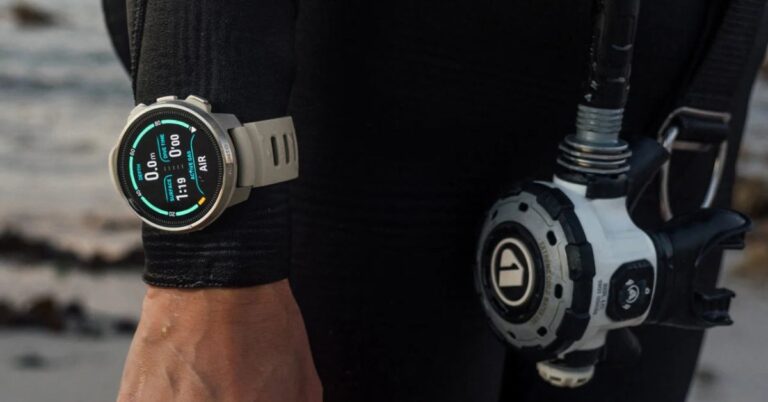
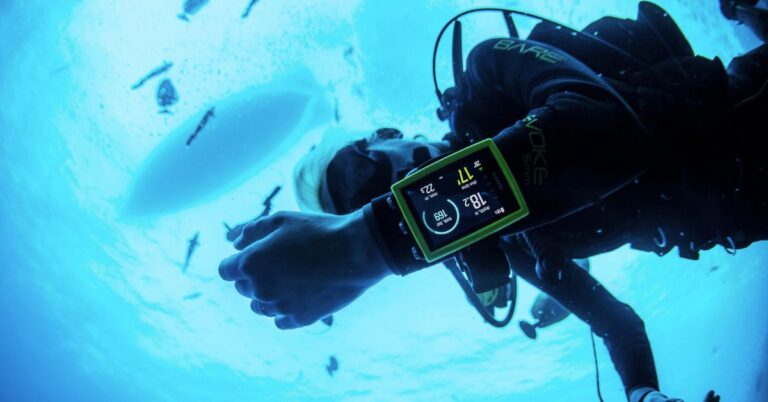
Checking your dive data usually means raising your wrist, lifting a console, or shining a torch onto a difficult-to-read gauge. The enter the SCUBAPRO Galileo HUD Review.
This thing takes a completely different route: mounted right on your mask, it floats critical dive metrics directly in front of your eyes like something straight out of a sci-fi movie. Engineered as a mask-mounted, hands-free computer with a micro OLED display, it promises complete freedom underwater.
I picked up my Galileo HUD back in 2024, and it has logged well over 50 dives across every environment imaginable. From high-stress public safety missions, zero-visibility lake bottoms, and pitch-black night dives to crystal-clear cenotes, pool drills, and warm ocean reefs, I have put this high-tech head-up display through true real-world abuse. Here is my long-term breakdown of how it holds up when the water gets murky.
Learn all you need to know about dive computers and mask setups here:
SCUBAPRO Galileo HUD Review Summary
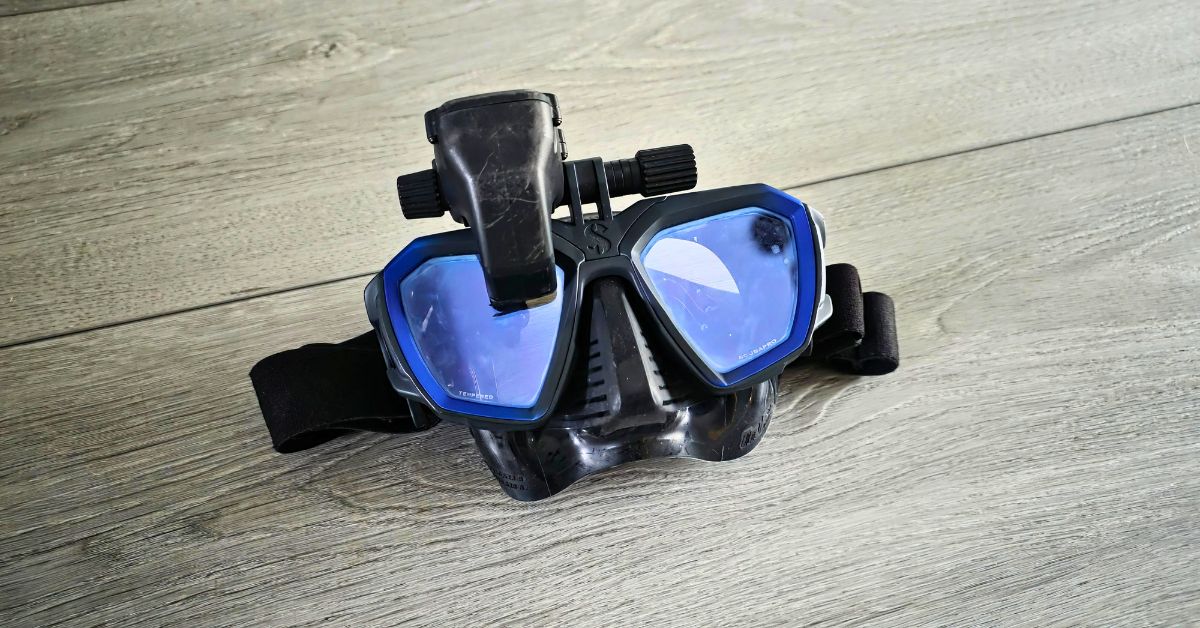
The SCUBAPRO Galileo HUD is a game-changer for divers who need total situational awareness without cluttering their hands. Offering incredible air integration accuracy, a crystal-clear display, and steady flip-up hinge mechanics, it excels in low-light and zero-visibility conditions. While the price tag is steep, the proprietary clip charger can be annoying if you let the battery drain completely, and losing small mounting hardware is a real threat if you aren’t careful, its unmatched hands-free convenience makes it worth every penny for mission-oriented public safety divers or serious recreational divers.

- A micro OLED “floating” heads-up display makes it easy to monitor dive data without losing eye contact with your surroundings.
- Rotate the intuitive single-knob push wheel to navigate the customizable menu and find dive control functions without looking away.
- Enjoy maximum readability in any ambient light conditions with the full-color OLED display, which conveniently tilts out of the way when not needed.
- Game-Changing Low-Vis Performance
- True Hands-Free Navigation
- Crystal-Clear OLED Display
- Simple One-Knob Control
- High Price Point
- Position Alignment Dependency
Display, Optics & Usability
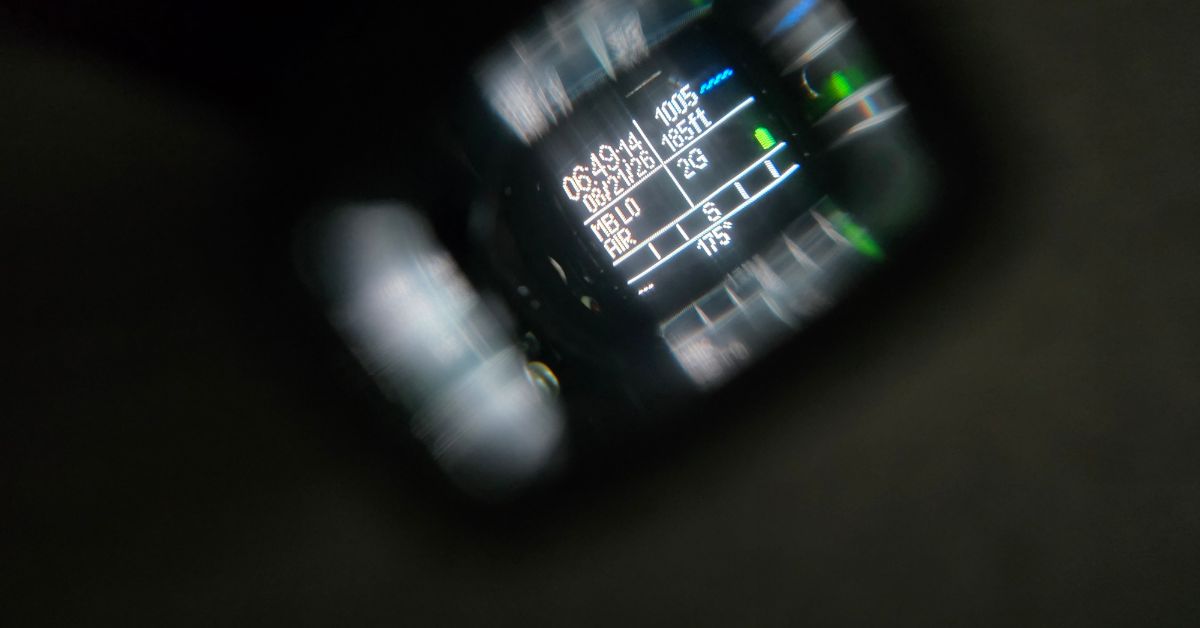
The core draw of the HUD is the floating micro OLED display. It projects a full-color screen that seemingly appears roughly 3 feet (1 meter) in front of your mask lens. I had zero trouble adjusting to the display right out of the box, and even on multi-dive days, I experienced no eye fatigue or strain while shifting focus between the screen and my surroundings.
Because everyone’s eye position is slightly different, I sometimes find myself pushing the HUD frame down a hair to catch every tiny screen detail. This isn’t a design flaw, just a reality of face shapes and mask fit. Operating the menus comes down to a single push-and-wheel knob. Rotating and clicking with heavy gloves is smooth, though I’ll admit user error gets the best of me sometimes: I occasionally hold the knob down expecting a quick settings menu and inadvertently power the unit down instead!
The metal flip-up hinge mechanism is built like a tank. You can swing the HUD up and completely out of your field of view on the surface or during specific tasks, and it stays firmly in place. When flipped back down, it locks securely, even moving through currents or pushing through water won’t force it out of position.
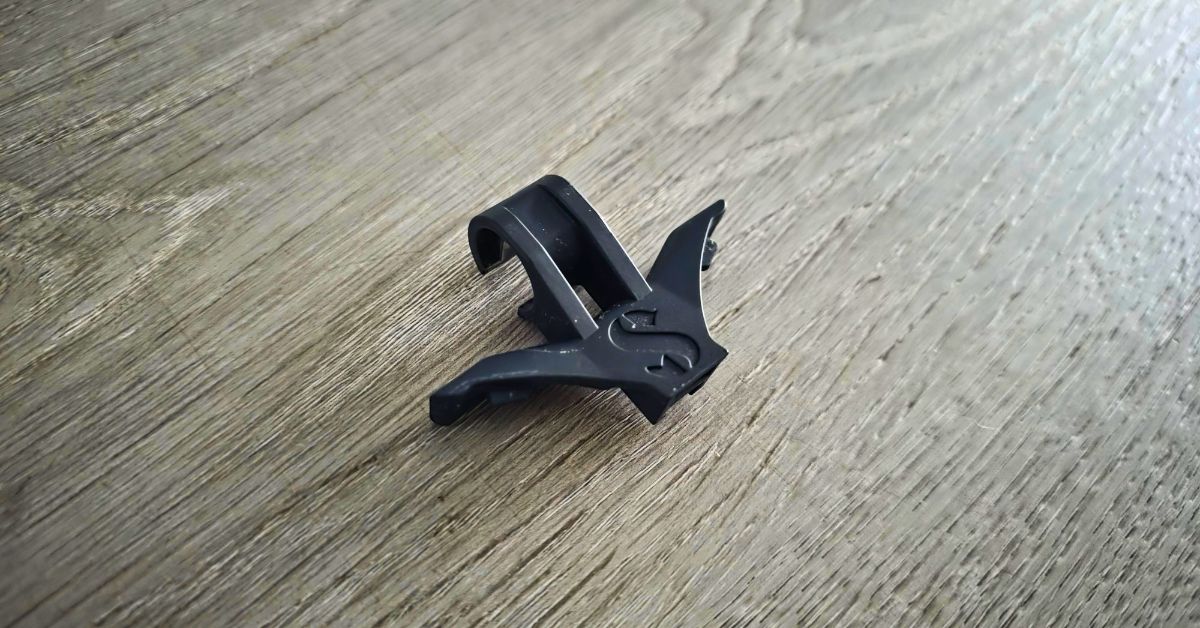
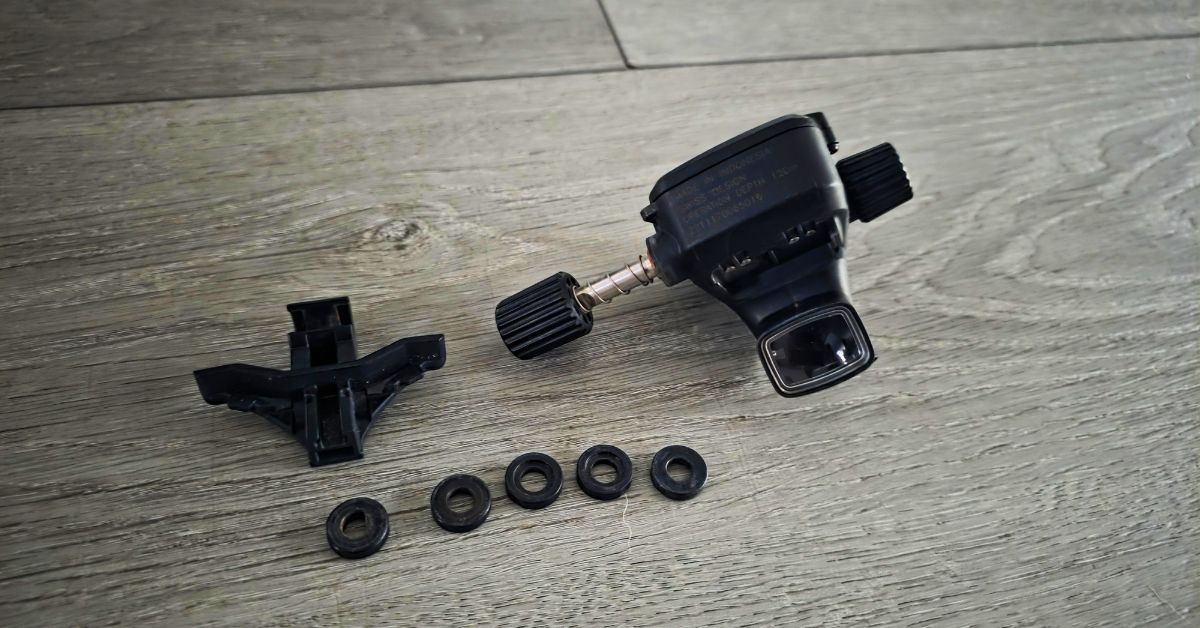
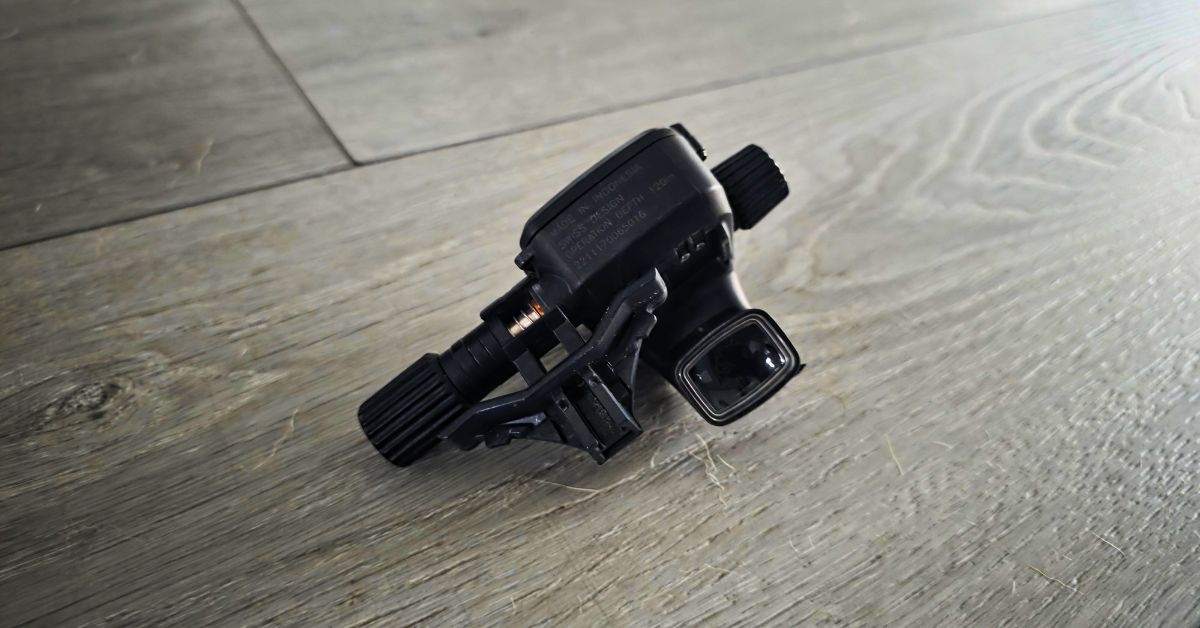
I was on a three-day public safety diver training class aboard a dive boat, and one of the other divers had this thing mounted to his Zoom mask. He forgot to put the locking block back into his mask mount, and the HUD and adapter completely fell off during the dive. Unfortunately for him, he had the HUD flipped up and didn’t see it fall off. We weren’t able to find it for him. Totally sucked for him.
Editor’s Note
Air Integration & Real-World Performance
I pair my unit with the wireless SCUBAPRO Transmitter Smart + Pro, and the combination is flawless. I regularly cross-check the digital tank pressure against my analog SPG, and the readings match up identically every single time. Having live cylinder pressure, remaining bottom time, and current depth hovering silently in your line of sight when crawling through black water is difficult to go back from.
The computer runs Bühlmann ZH-L16 ADT or ZH-L16 GF algorithm options, featuring adjustable Microbubble (MB) levels. A quick tip for technical or deep recreational profiles: double-check your MB levels before splashing! I forgot to turn down the default MB Level 2 setting prior to descending into the Angelita Cenote in Mexico, and the extra conservatism cut my planned bottom time noticeably shorter than it needed to be.
| Key Specs | SCUBAPRO Galileo HUD |
| Display Type | Micro OLED (Floating Image ~1m Distance) |
| Controls | Single-Knob Intuitive Wheel (Push & Rotate) |
| Air Integration | Hose-Free (Up to 8 Transmitters with Smart + Pro) |
| Battery Life | Rechargeable (Up to 20h Dive Time per Charge) |
| Algorithm | Predictive Multi-Gas ZHL16 ADT MB / GF Options |
| Best For | Zero-Vis Missions, Tech Divers, & Divers Wanting Hands Free |
Battery Life & Field Maintenance
SCUBAPRO rates the internal rechargeable battery for up to 20 hours of dive time, and in practice, it easily powers through multi-day trips. I’ve logged back-to-back-to-back dive days on a single charge without the HUD ever quitting on me mid-water.
My main struggle is simply my own habit of forgetting to plug it in when I get home. If you leave it sitting in your gear bag for weeks until the battery drains completely flat, the unit loses its clock settings, requiring a manual time and date reset before your next splash. As long as you drop it on its charging clip after a weekend of diving, you won’t run into any trouble.
This thing is a genuine lifesaver for zero-vis work. Before I got this, I had to descend in pitch-black lakes basically blind, gauging how fast I was dropping purely by how quickly my ears started to squeeze (which is terrible practice). Now, I have my rate of descent right in front of my face no matter how dark the water gets, making every entry immensely more comfortable.
Editor’s Note
Wear & Tear
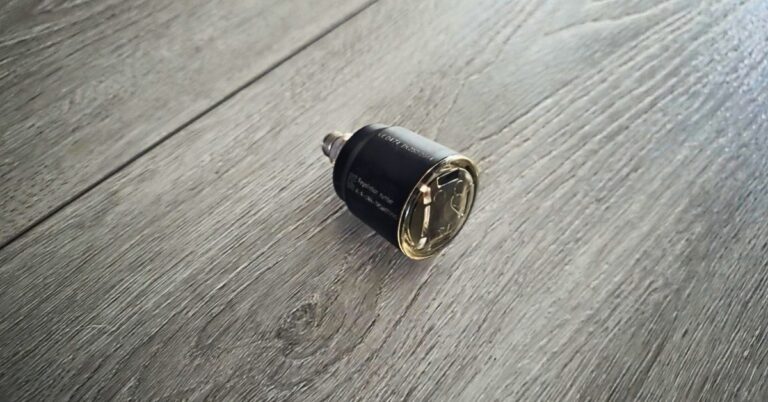
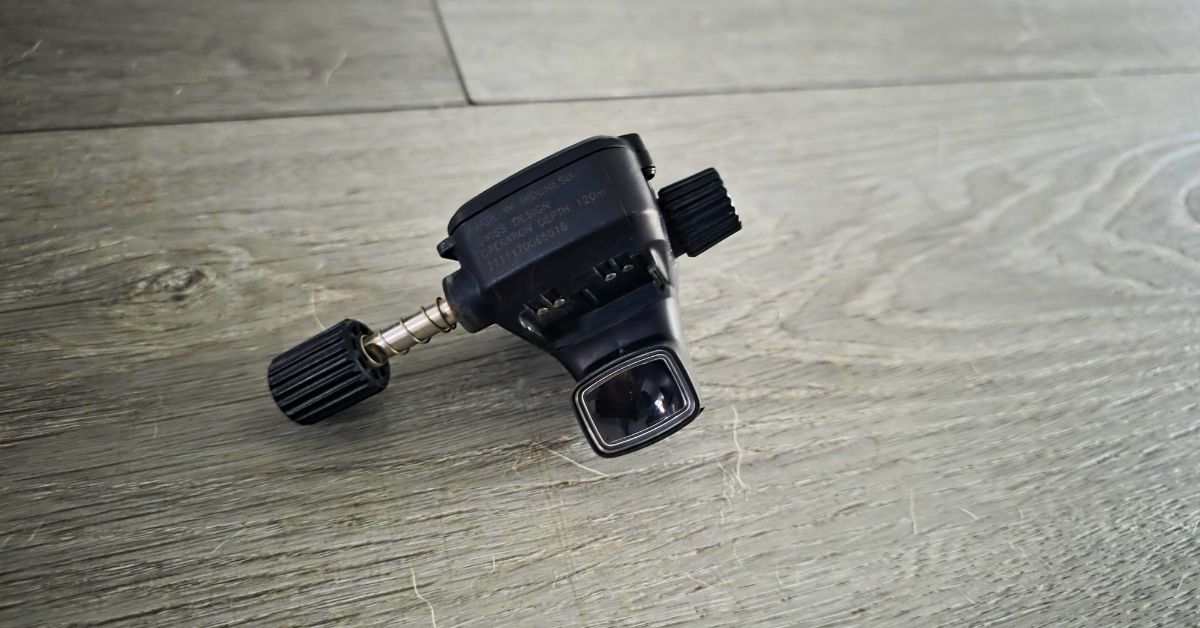
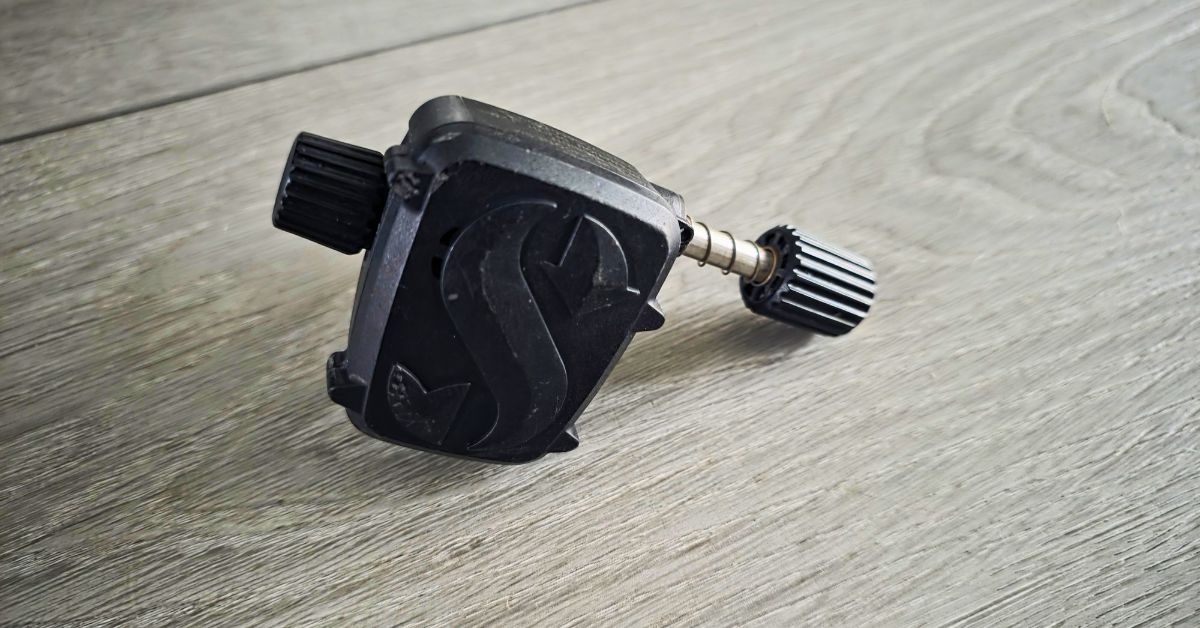
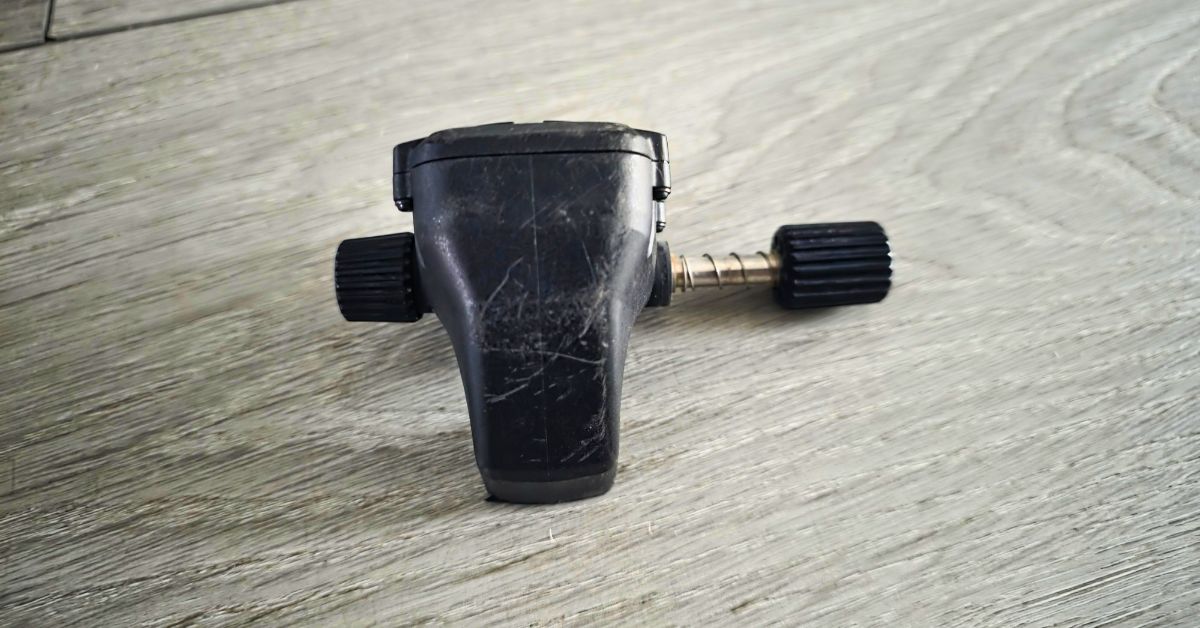
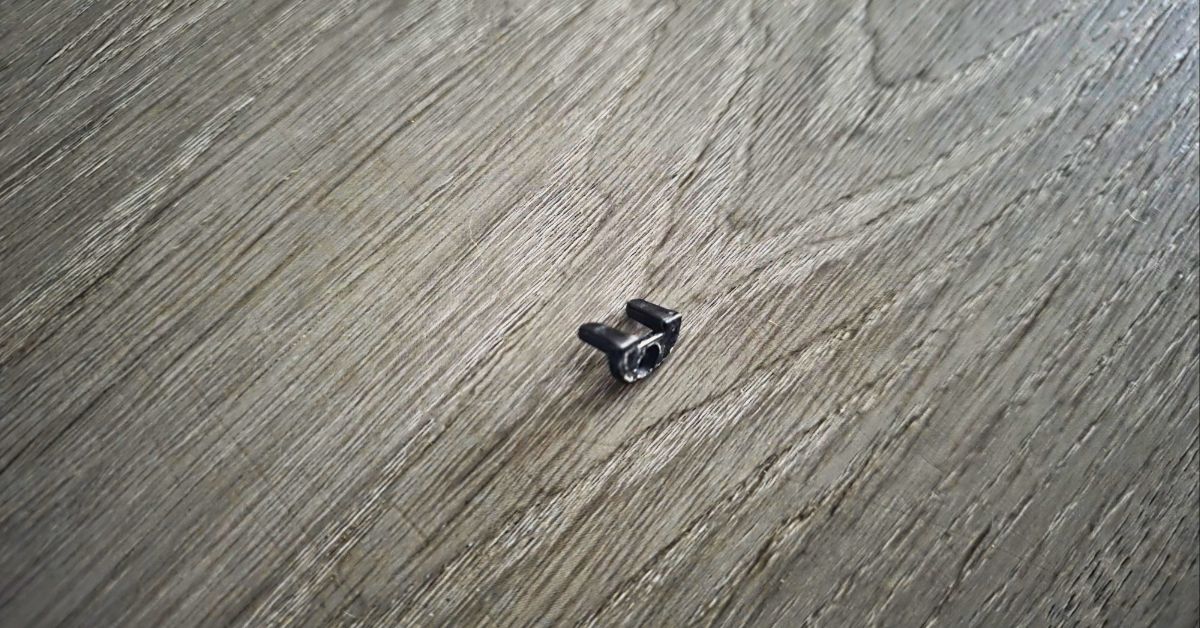
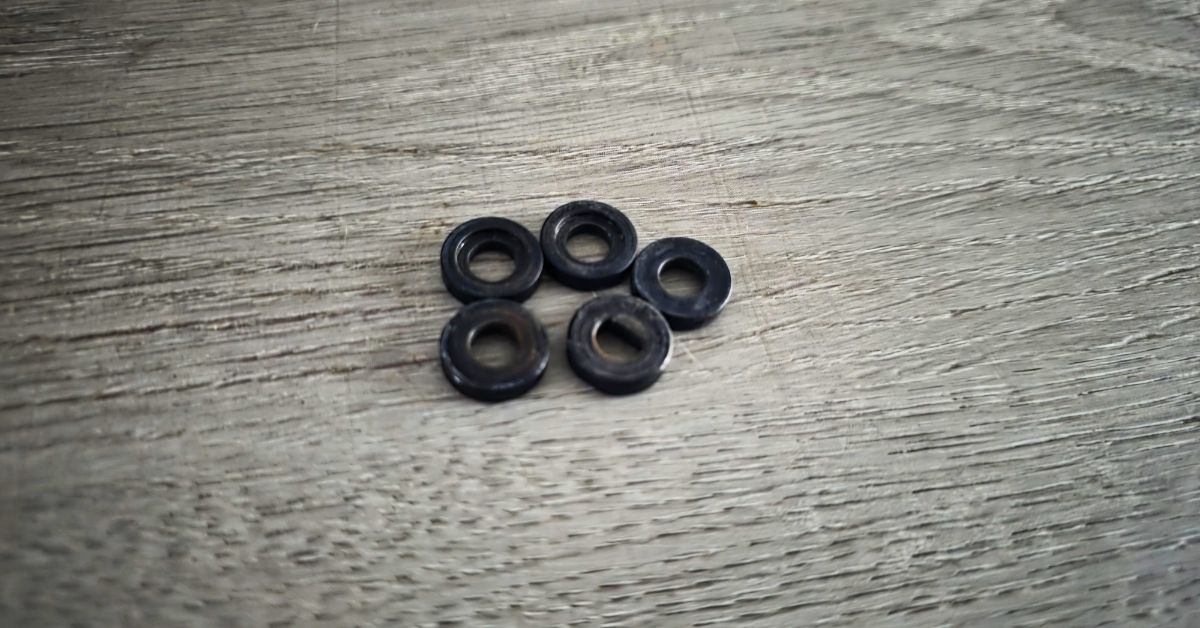
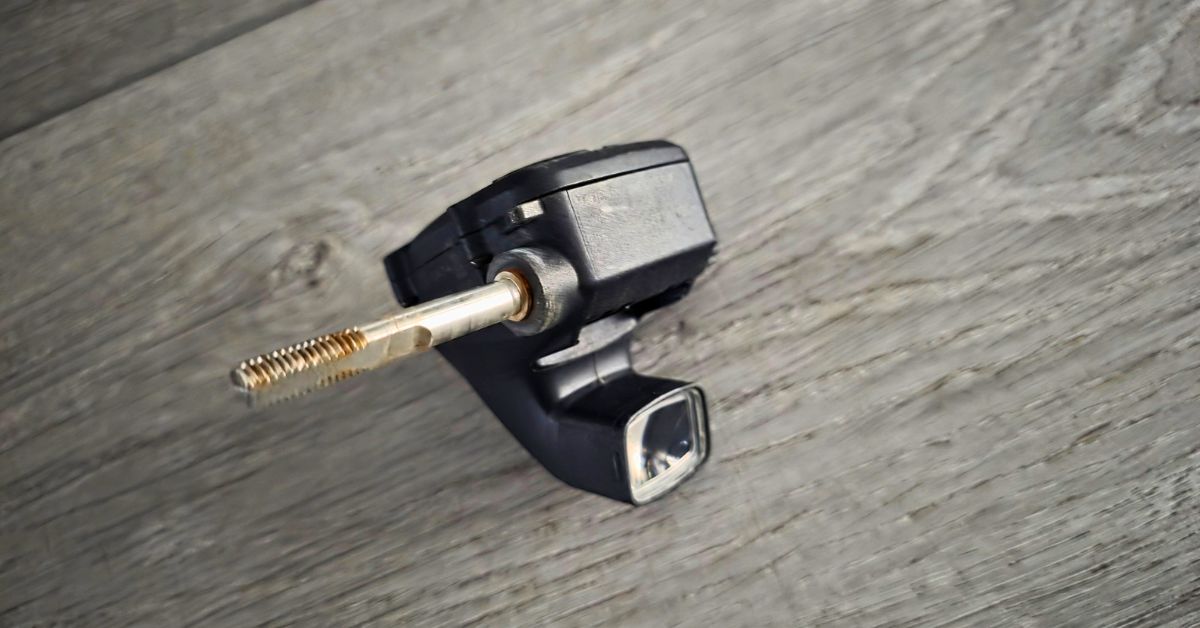
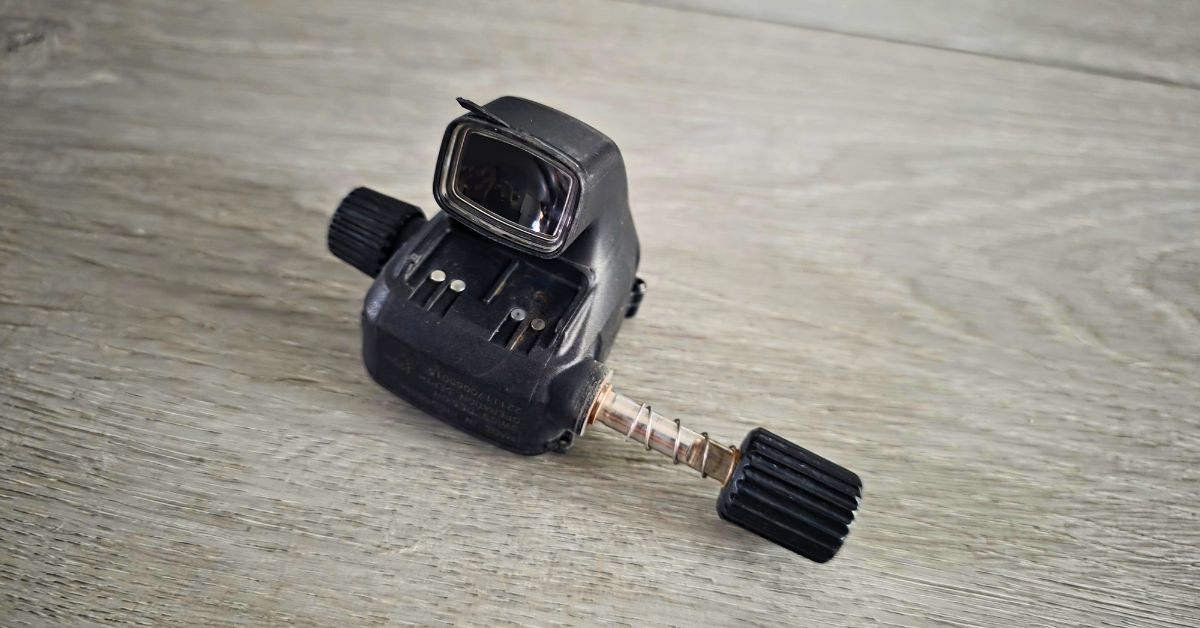
After years of use and abuse, I haven’t noticed any damages that would hinder it’s performance. The only things I notice are the scuffs all over the plastic casings and these two issues in the included photos.
The slight rust is a non-issue. The knob, spacers, and spring all can be assembled and disassembled without any extra effort. I have no idea what that loose flap is, but it doesn’t seem to be anything of importance for sealing anything because I’ve been diving with it loose like that for years now. I might eventually put some glue on it to keep it in place.
FAQs
Does the SCUBAPRO Galileo HUD fit on any scuba mask?
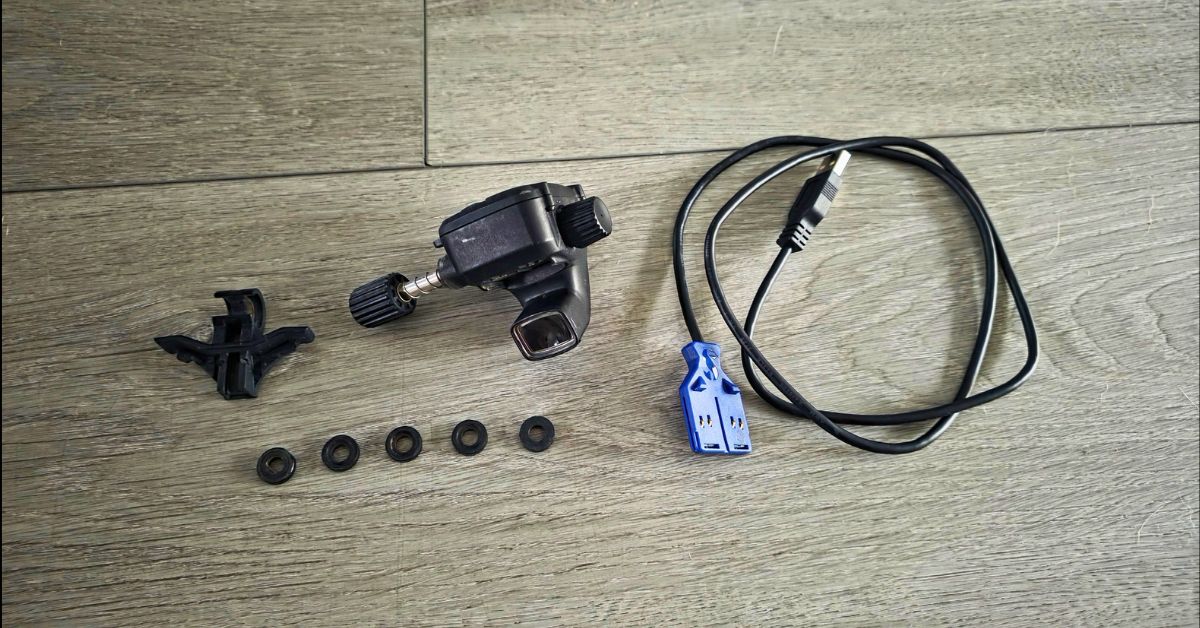
No. The HUD requires a compatible mask mount. SCUBAPRO includes mounts for specific masks in their lineup (such as the SCUBAPRO D-Mask or certain Zoom models) using a specific bracket, spacer, and locking block system.
Can I use the Galileo HUD without a wireless transmitter?
Yes. While it is designed to shine with air integration (using the SCUBAPRO Smart + Pro transmitter), it functions fully as an independent computer tracking your depth, time, and decompression limits even if you aren’t beaming tank pressure to it.
What happens to my dive logs if the battery dies completely?
Your saved logbook data is safely stored in non-volatile memory and will not be erased. However, if you let the internal rechargeable battery drain entirely flat for an extended period, the unit will lose its internal clock settings, requiring you to reset the time and date before your next dive.
Final Verdict: Is the Galileo HUD Worth It?
The SCUBAPRO Galileo HUD is a high-ticket investment, but for divers who regularly navigate zero-visibility lakes, carry heavy camera rigs, or execute public safety search patterns, the hands-free advantage is tough to beat. Paired directly with a SCUBAPRO D-Mask using the included direct mount, it creates one of the cleanest, most streamlined head-up setups on the market.
If you don’t mind keeping an eye on your battery levels between dive weekends and making sure your mask mounting hardware is securely locked in, the Galileo HUD delivers unmatched convenience, stellar air-integration accuracy, and confidence in environments where finding your wrist gauge is a chore.
Don’t forget about the rest of your gear. Learn about them here: